Separate live teaching from asynchronous support
An online coaching page may offer several formats under one name. Live appointments let you speak to a trainer in real time. Recorded feedback usually means sending a clip and receiving a reply later. Written programming may provide instructions without either form of observation. Ask the provider to describe the actual sequence of a normal week or appointment.
Find out who reviews your material and how personalised the response is. A library of exercise videos can be a useful reference, but it is not the same as someone checking what you understood. Likewise, a message saying that a plan has been updated does not necessarily include a conversation about why.
Clarify response times before relying on feedback. If you send a question on Friday, when should you expect an answer? What should you do with a task that remains unclear in the meantime? A delayed service can be workable when its limits are explicit; it should not be mistaken for live supervision.
Ask to see how instructions are presented before committing, without requesting another client's private material. A blank example, sample workflow or demonstration account may show whether the text size, video format and navigation are usable for you. If the platform is awkward, mention it. The trainer may be able to offer another format, but you should know that before the service depends on a tool you cannot comfortably use.
Make the viewing arrangement realistic
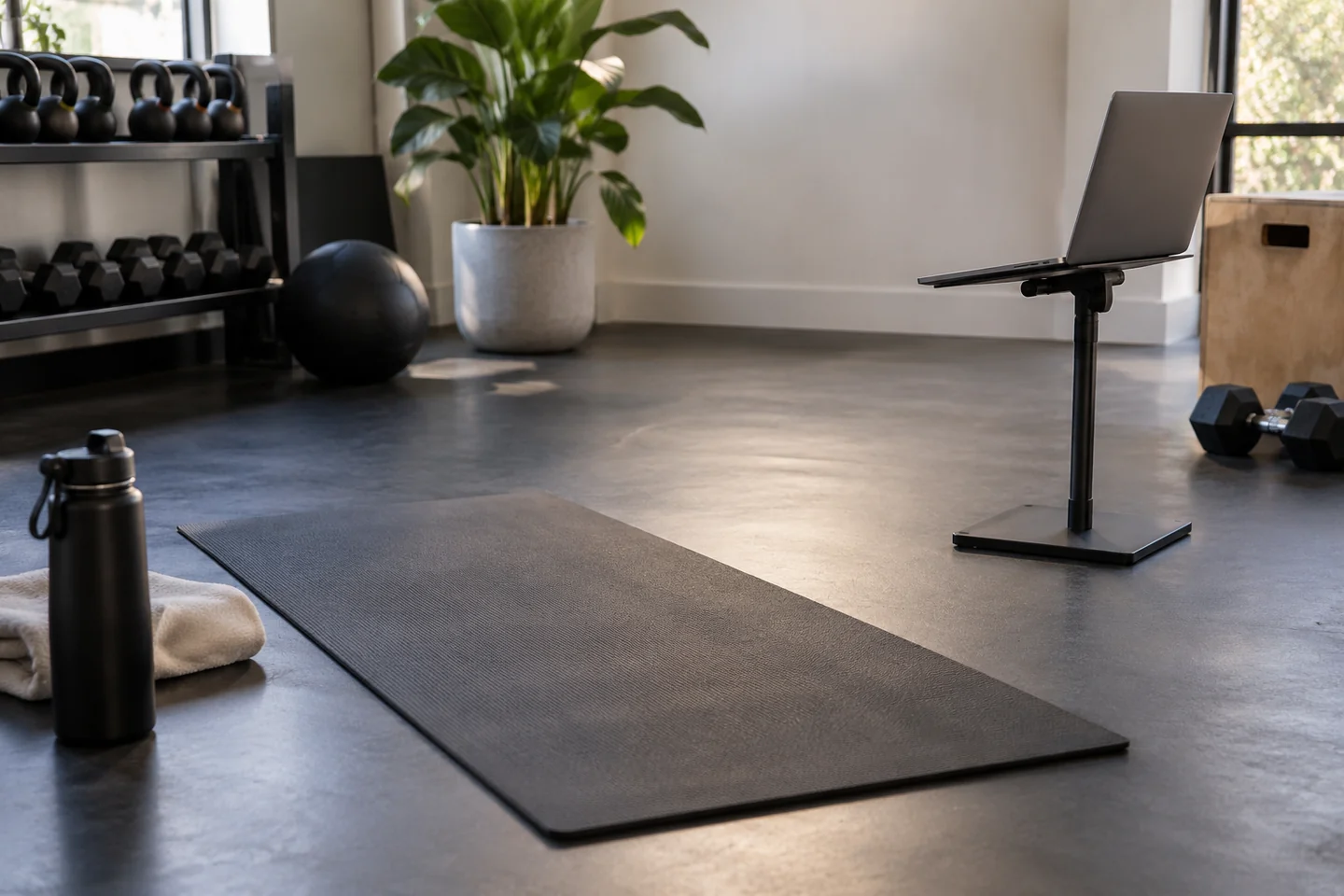
For live instruction, ask what equipment, room and camera position are needed. Check whether you can show the relevant space without balancing a device precariously or blocking a route. Test sound and connection before the appointment so technical problems do not consume the discussion you are paying for.
The trainer's view is limited by the camera. Parts of the room or movement may remain outside the frame, and a poor connection can remove useful detail. Ask how they decide whether a task is suitable for remote instruction and when they would recommend an in-person introduction instead. A responsible format should acknowledge what it cannot see.
Keep the area clear of interruptions as far as reasonably possible. Tell the trainer if another person, pet or household activity affects the space. Do not squeeze into an unsuitable corner merely to maintain the appointment. If the agreed setup is unavailable, discuss a different use of the time or the rescheduling terms.
Using a camera in a shared gym
If you plan to join from a shared gym, check its filming and remote-coaching policies. Other members should not become background footage without appropriate permission. A service that works in a private room may not work under the rules of your local facility, so establish compatibility before purchasing.
A stable camera position should also be repeatable. If every appointment requires moving furniture or borrowing a device, include that effort in your decision about the format. An arrangement that works once during a demonstration may be difficult on an ordinary weekday. The best technical setup for you is the one you can safely prepare and use without consuming the whole appointment.
Ask what happens to recordings and information
Find out which platform is used, whether live sessions are recorded and how submitted videos are stored or deleted. Read the provider's privacy information and ask about unclear details. You can request an explanation in ordinary language without needing to understand the platform's technical architecture.
Send only the information needed for the agreed purpose through the appropriate channel. Avoid publishing a video on an open social account simply because it is easy to share. Check the frame for other people, household details and documents before uploading. If you are uncomfortable with recording, ask whether the service offers a suitable alternative.
Also check access at the end of the package. Will you retain written notes, or does the app account close? Can you download records you are permitted to keep? Knowing this early helps you avoid depending on a reference that disappears without warning.
Compare the service with your actual need
If you mainly need to learn unfamiliar gym equipment, a remote arrangement may not provide the hands-on orientation the facility can offer. If you already understand the setup and want scheduled conversations or feedback, another format may fit. Describe the need first, then assess the technology's role in meeting it.
Confirm pricing, appointment duration, review frequency and cancellation terms. A low monthly fee can cover very little direct contact, while a more expensive package may include services you will not use. Ask for a sample description of the process rather than assuming every online coach works the same way.
For live appointments, agree how connection failure and urgent situations are handled, including the limits of remote assistance. A video call is not an emergency service. Keep the provider's administrative contact available and understand what happens if either side loses the call.
You can begin with a smaller commitment where offered and evaluate whether the explanations are usable. The useful result is not merely receiving more messages or more documents. It is understanding the agreed work, knowing how questions are answered and recognising when the remote format cannot supply the help required.