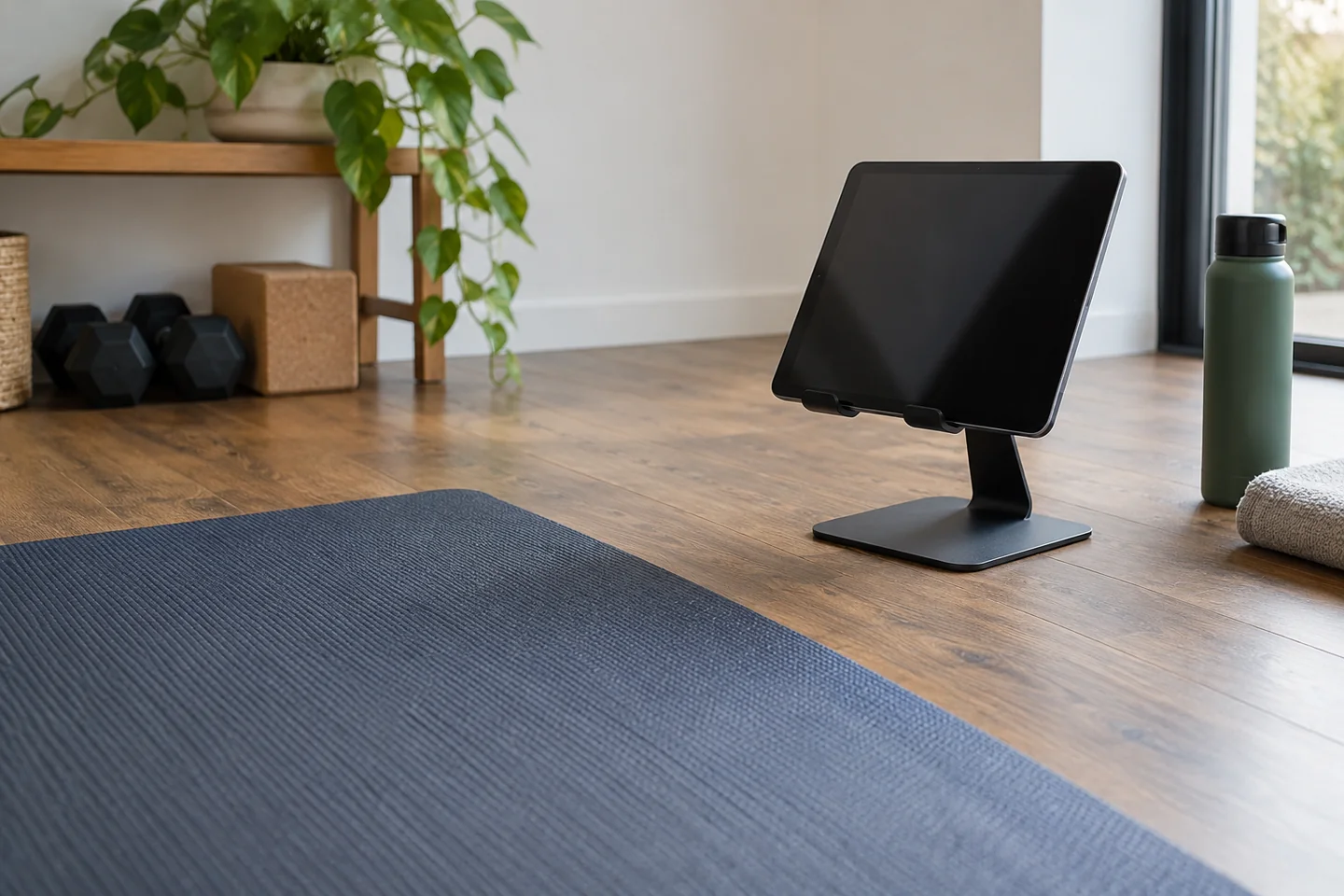
Set the display before the equipment
Place the phone, tablet or laptop on a stable support outside the moving area. Check that it will not fall if the floor vibrates or a nearby table is nudged. Keep charging leads away from your feet and any equipment. A fully charged device may be easier to arrange than a cable stretched across the room.
Choose a height that lets you look comfortably when standing or pausing. No single position will be ideal for every floor and standing exercise. It is usually better to pause and check the instruction than to twist the neck during a loaded movement just to keep watching.
Rehearse the exercise space with the screen in place. A stand that fits beside the mat may still be in the path of an outstretched arm or a dumbbell being set down. Move the display to serve the exercise, not the exercise to protect the display.
Learn the transition before pressing play
Watch unfamiliar instructions first. Identify the equipment, starting position and way to finish before trying to move in time with a video. A follow-along pace is not a requirement to skip setup checks. Pause whenever you need time to adjust a bench, choose a load or understand the movement.
If the session includes exercises you have not learned, get suitable instruction rather than relying on a small distant screen to answer every technique question. Video can demonstrate a movement, but it cannot assess your individual response or the condition of your equipment.
Use sound where appropriate so you do not need to stare continuously, but keep awareness of the room. Headphones should not leave you unaware of someone entering the moving area. Let household members know when the space is in use.
Reduce the reasons to reach for it
Set volume and playback controls before starting, and consider silencing unrelated notifications. Keep a towel nearby for your hands if you need to touch the screen between exercises. Do not operate it with a weight still in the other hand.
Test playback from the positions you will actually use. A display that is readable standing up may be hidden behind a bench when you sit or lie down. Rather than moving it into the weight path, learn that section first and use pauses. Subtitles can be useful when sound is unavailable, but they should not require you to crane towards small text mid-repetition. The device should remain an instruction source, with the physical setup taking priority.
At the end, put equipment down before ending the recording or session timer. The screen can wait a few seconds. A good position lets the device provide information while remaining outside the physical task, instead of becoming an object you continually reach around, look down at or protect from moving weights.